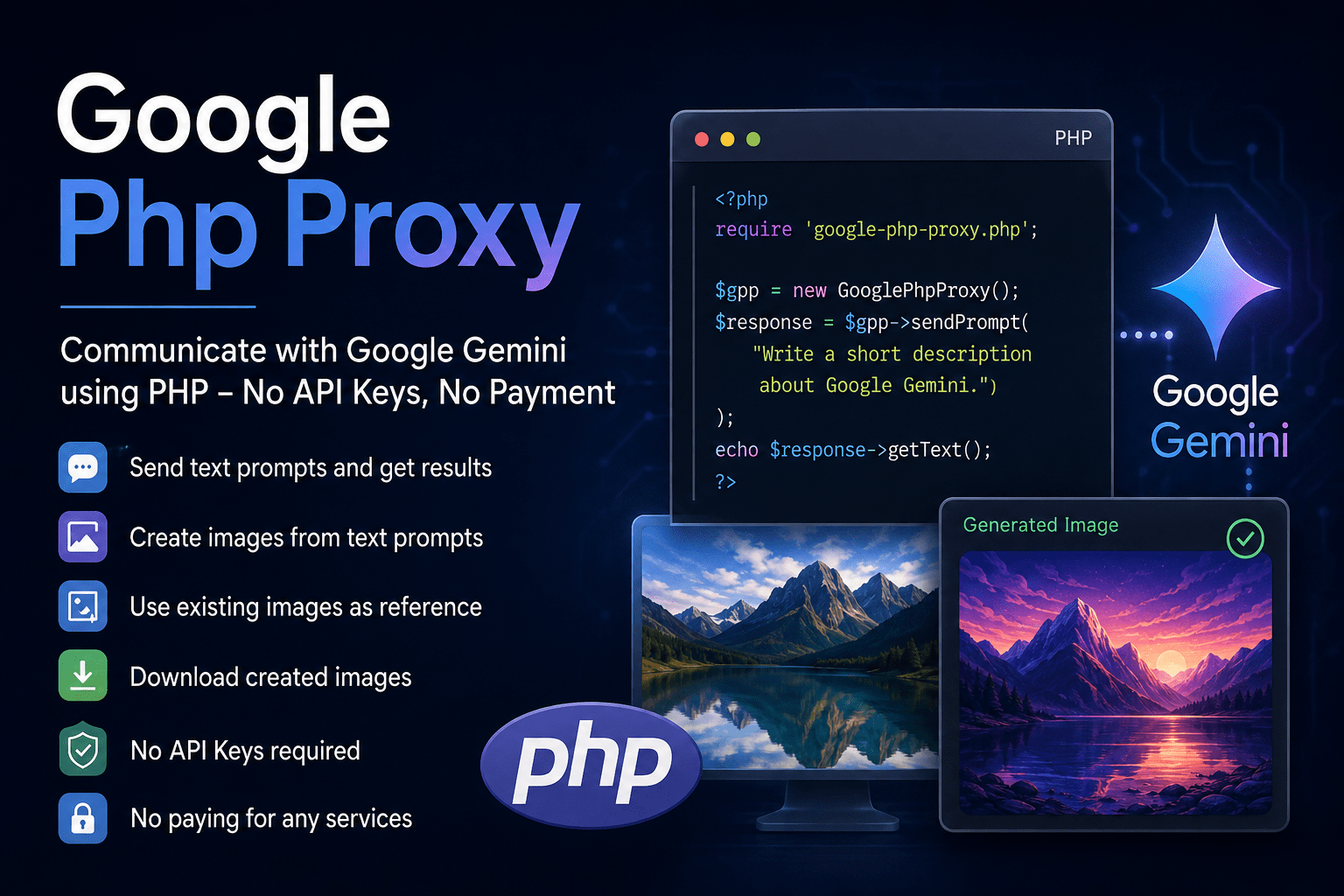
Google Php Proxy: Communicating with Google Gemini Using PHP
I created Google Php Proxy, a project designed to make it possible
to communicate with Google Gemini directly through PHP commands and scripts.
The project provides a practical way to send prompts to Google Gemini, retrieve
generated responses, create images from text descriptions, use existing images as
visual references, and download generated images.
Why I Created Google Php Proxy
PHP remains one of the most widely used programming languages for websites, web
applications, automation tools, and server-side development. While AI services can
provide powerful capabilities, integrating them into a PHP project may involve API
keys, account configuration, usage limits, billing requirements, or additional
services.
Google Php Proxy was created to simplify that process.
The project acts as a bridge between PHP and Google Gemini, allowing PHP scripts to
communicate with Gemini through straightforward commands. This makes it possible to
incorporate AI-powered text and image functionality into existing PHP applications
while keeping the implementation simple.
Current Features
Google Php Proxy currently supports several important Google Gemini capabilities.
Send Text Prompts
PHP scripts can send text prompts to Google Gemini and retrieve the generated
response.
This can be used for tasks such as:
- Generating written content
- Answering questions
- Summarizing information
- Creating descriptions
- Assisting with research and development
- Building AI-powered features into PHP applications
The generated result can be retrieved by the PHP script and processed, displayed,
stored, or used as input for another part of an application.
Generate Images from Text Prompts
Google Php Proxy can also be used to create images based on a text description.
A PHP script can submit a prompt describing the desired image and receive the
generated result. This makes it possible to integrate AI image generation into
websites, content-management systems, automation workflows, and custom PHP
applications.
For example, a script could submit a prompt describing a product illustration, a
landscape, a concept image, or other visual content and then continue processing
the generated image automatically.
Use an Existing Image as a Reference
The project supports adding an existing image as a visual reference when creating a
new image.
This makes it possible to provide Google Gemini with both a text prompt describing
the requested result and an existing image that provides visual context or
reference material.
The reference image can help guide the generated result and allows more advanced
image-generation workflows to be implemented from PHP.
Download Generated Images
Generated images can also be downloaded through the project.
This allows PHP applications to save generated images locally, store them in an
application’s media library, process them further, or make them available to users.
The complete workflow can therefore be automated:
- Send a text prompt
- Optionally include an existing image as a reference
- Generate a new image
- Retrieve the generated result
- Download and save the image
No API Keys Required
One of the main goals of Google Php Proxy is to avoid the need for API keys.
The current implementation does not require developers to create, configure, or
store an API key. This can simplify development and reduce the amount of
service-specific configuration required before testing or using the project.
The project also does not require payment for external API access or third-party AI
services.
This makes Google Php Proxy especially useful for developers who want to experiment
with Google Gemini functionality from PHP without building a traditional API-based
integration or adding paid services to their workflow.
Current Status and Google Review
The current setup has been checked by Google, and the implementation is currently
allowed to be used.
The project is designed around the current supported setup and does not rely on
unauthorized API keys or paid third-party services.
As with any integration involving an online platform, service behavior, supported
functionality, and platform policies may change over time. The project will
therefore continue to be monitored and updated when necessary.
Possible Use Cases
Google Php Proxy can be used in a variety of PHP-based projects, including:
- WordPress plugins
- Custom WordPress functionality
- Content-generation tools
- AI-powered website features
- Automated article or description generation
- Image-generation workflows
- Media-processing tools
- Internal business applications
- PHP automation scripts
- Custom dashboards and web applications
Because the project communicates through PHP, it can also be integrated into
existing applications without requiring a complete change to the application’s
technology stack.
Project Goals
The main goals of Google Php Proxy are:
- Make Google Gemini accessible from PHP
- Provide simple text-prompt functionality
- Retrieve generated text results
- Support image generation from text prompts
- Support existing images as references
- Download generated images
- Avoid the need for API keys
- Avoid paid third-party services
- Keep the integration practical and easy to use
Current Development
Google Php Proxy is actively being developed.
The current implementation already supports text communication, text-to-image
generation, reference-image workflows, and downloading generated images.
Additional functionality, improvements, and refinements may be added as the
project continues to evolve.
The project is intended to provide a practical foundation for developers who want
to experiment with Google Gemini capabilities directly from PHP.
Conclusion
Google Php Proxy makes it possible to communicate with Google Gemini through PHP
commands and scripts without requiring API keys or paid third-party services.
The project currently supports sending text prompts, retrieving generated
responses, creating images from text prompts, using existing images as references,
and downloading generated images.
By bringing these capabilities into PHP, Google Php Proxy provides a flexible
starting point for integrating AI-powered text and image functionality into
websites, WordPress projects, automation tools, and custom web applications.
More information, installation instructions, examples, and future updates will be
published as the project continues to develop.